

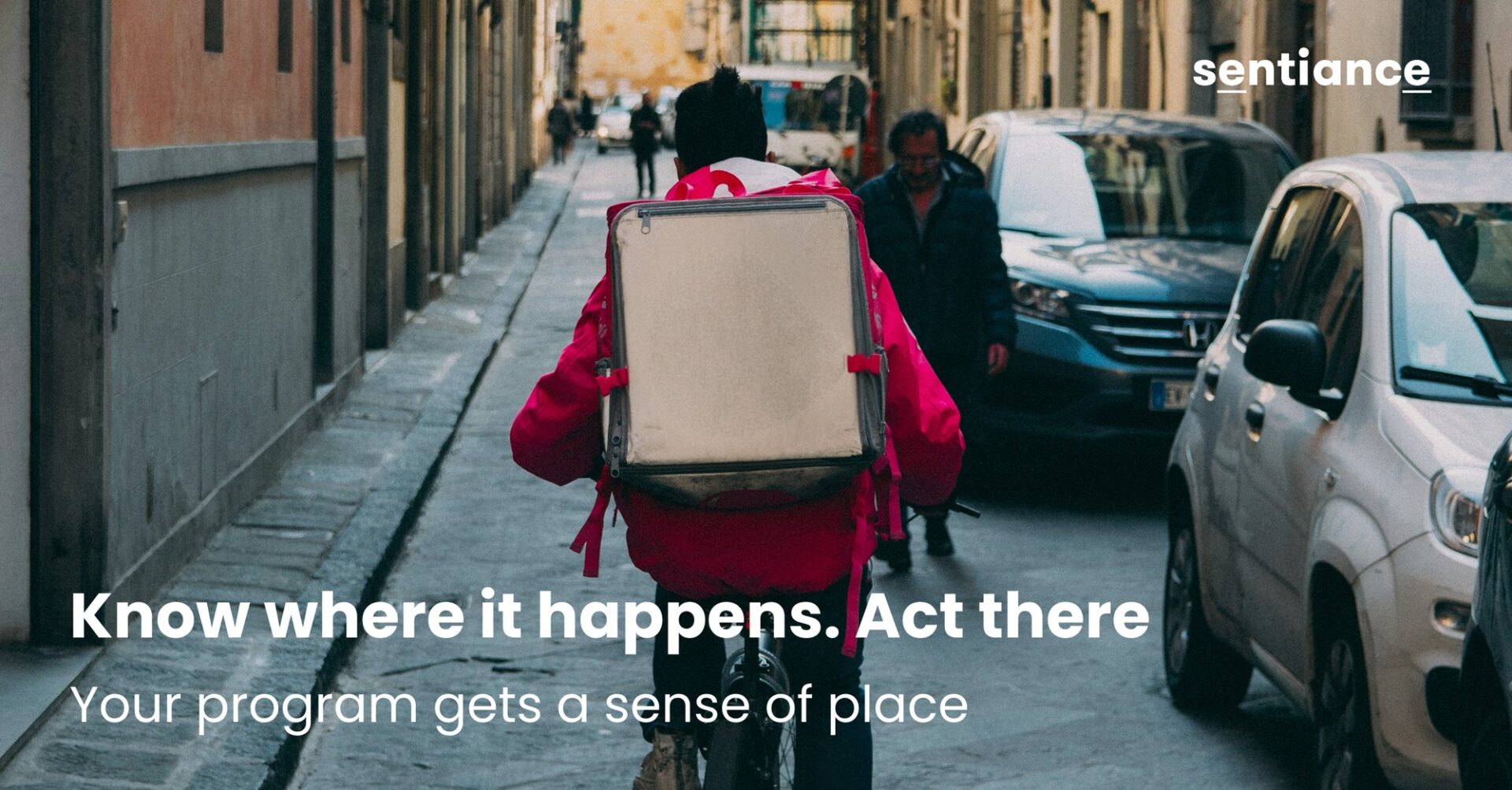
Thursday, 7:15 pm. Rain, dinner rush. Over the next two hours most of your riders will pass the junction where the bus lane merges without warning. The veterans move over early without thinking. The new starters haven't learned it yet.
You've told them. Onboarding, the group chat, the Monday briefing. What you can't do is remind the one rider who needs it, just before he gets there.
The program that scores and coaches your riders has no idea that the junction exists.
If you run safety at a delivery platform, that program probably does a lot already. It scores trips. It flags harsh braking, speeding, and phone use. It nudges, runs challenges, maybe detects crashes. If it's a good one, it shows you a rider's risky events on a map after the trip. (Don't have one yet? That's what Sentiance's rider safety platform is for.)
So it can tell you how a rider rode through that junction, yesterday.
It can't tell you he's rolling into it right now. And it can't tell that junction from any other street.
Your zones live outside the program
Every safety lead keeps a list of places that matter. Black spots from your own incident reports. Restricted districts. Depots and hubs. The areas you pull riders out of when the weather turns, which can change by the hour: a storm closes three underpasses by 9 am, and by 9:05 you know exactly which ones.
That list lives in a spreadsheet, a morning briefing, or, if engineering got to it, the app build. Wherever it lives, the program coaching your riders can't read it. A rider can cross every place on your list, and the program will never know.
Meet Smart Geofences: your program gets a sense of place
Sentiance's behavioural intelligence platform powers the rider safety program behind delivery apps: an SDK that runs inside your app and scores every trip, flags risky events, detects crashes, and powers streaks and challenges, with a dashboard, the Insights Control Tower, for your safety team.
Smart Geofences adds place to that platform.
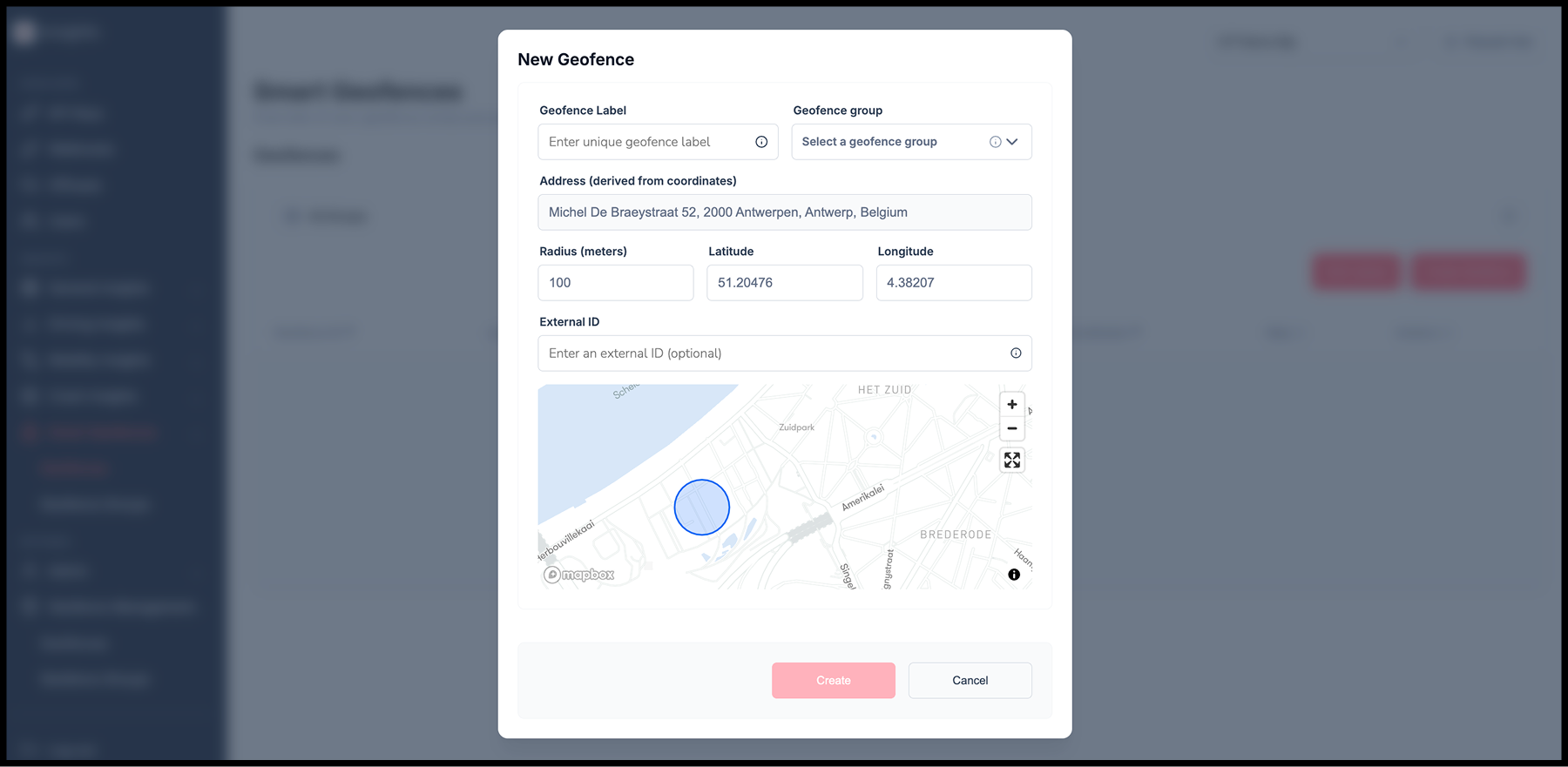
Your team defines a zone in the Insights Control Tower (ICT): a center point, a radius, a name, and an optional group such as "black spots" or "restricted districts." The Sentiance SDK in your rider app picks up the list and checks each rider's location against it on the phone. When a rider enters or leaves a zone, the SDK hands your app one event: which zone, entry or exit, when. Your app decides what happens next.
Here's the difference from a native phone geofence. A native geofence tells an app that a phone entered a circle, and that's all it knows. A Smart Geofence event belongs to the same rider and the same SDK as their trips, transport modes, driving events, scores, and crashes. In your data feed, the geofence file and the trip file carry the same rider ID, so your team can line them up. The zone isn't bolted on next to the safety program. It's one more dimension of the same stream.
It also removes a ceiling you may have hit. Native phone geofencing caps how many zones each app can watch; Smart Geofences supports up to thousands zones per app, more on request. Zones go live without a new app release, on Android, iOS, Flutter, and React Native.
Day one with Smart Geofences
The junction. You define it as a zone, 120 meters around the merge (100 is the minimum we recommend). A rider enters. Your app shows the prompt you wrote: a slow-down reminder and the reason, nothing more. Coaching delivered at the place it matters. (Black spots come from your own data. Sentiance doesn't derive them for you.)
The storm. Thursday, 8:40 am, the flooded district. Your ops lead opens ICT, adds a zone around it, and it's active for your app the same day, sooner if your app asks the SDK for a refresh. Riders who enter get a reroute nudge from your system. No ticket, no release, no vendor hand-off. The change is centrally audited, so you can always see who changed what, and when.
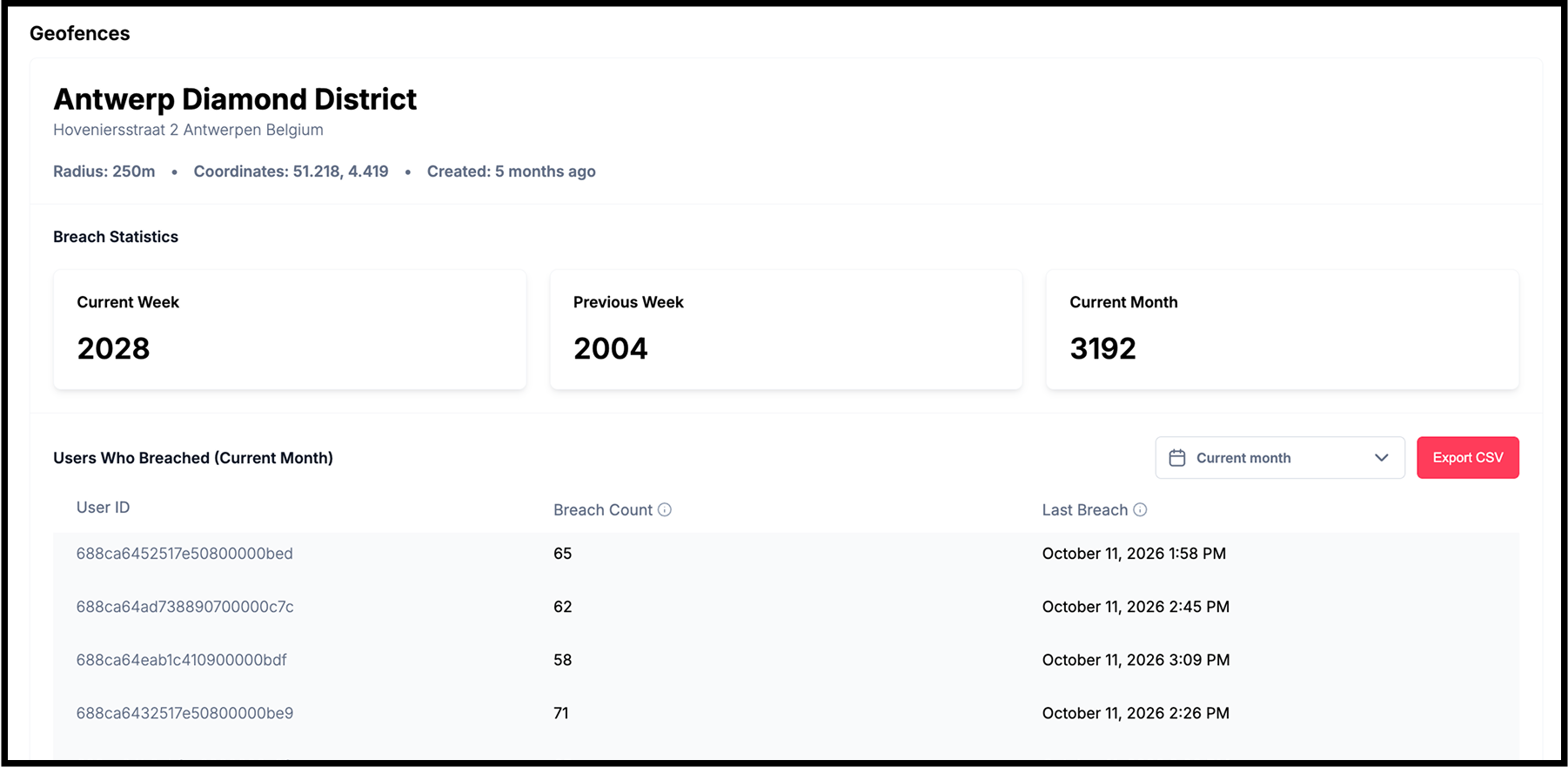
The following Monday. If you sync events to ICT, the incident review starts differently: a count of transitions per zone and entry and exit trends by day of the week. Which junctions saw the most entries, on which evenings. Where coaching goes next. What you see is what the phone recorded: entries and exits, nothing inferred and nothing filled in. ICT shows transitions, not harsh events per zone; combining the two is a join in your own data feed.
FAQ
How many zones can we define? Thousands per app, well past the 20 (iOS) and 100 (Android) a phone allows each app natively.
Does it add battery drain? No noticeable impact. Detection reuses the location processing the SDK already does.
Does it work with "While in Use" location permission? Yes, but only while the app is open. Background detection needs "Always."
We already run Sentiance. Do we need an SDK update? We recommend SDK 6.28 or higher. Your Sentiance contact can check your current version and plan the update with you if needed.
We don't run Sentiance. Can we start with geofences alone? Not on their own. Smart Geofences runs on Mobility Insights, the foundation of the Sentiance SDK, and is managed in the Insights Control Tower. That's the starting point; scoring, coaching, and crash detection can be added when you're ready.
Draw your first circle
Pick the one place your team argued about last week: the junction, the depot gate everyone hits at 7 am, the district the city just closed. Bring it to a 30-minute session with us. We'll show you how it looks in the Insights Control Tower and what your app would hear when a rider crosses the line.
Already a Sentiance client? Your Sentiance contact can set up the first zone with you. Everyone else, get in touch below. We'd love to hear which zone you'd start with.